
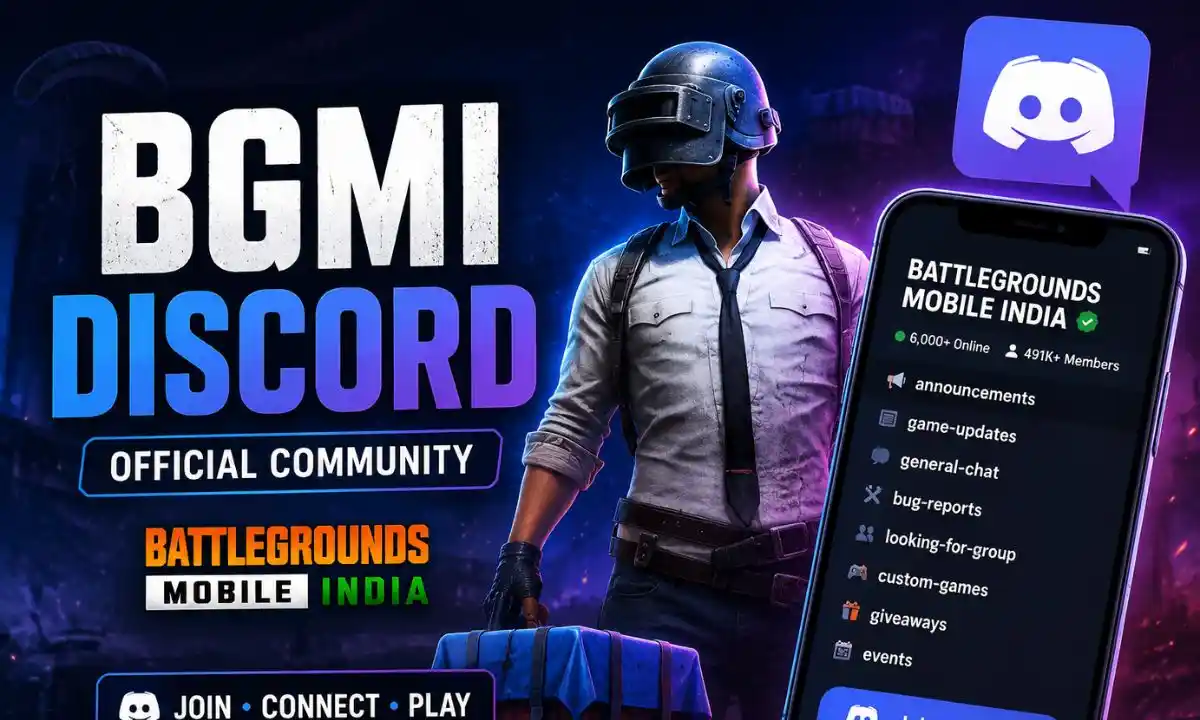
BGMI Discord is the official online community of BATTLEGROUNDS MOBILE INDIA game users. This platform provides the opportunity to keep track of updates and information related to the game. Users also get a chance to participate in discussions, submit their feedback and connect with other players of BATTLEGROUNDS MOBILE INDIA. KRAFTON encourages the BGMI players to access the Discord community of the company via BGMI’s official communication media channels.
Join the official BGMI Discord. Get the latest updates, community events, bug reports, custom games, safety tips, and learn how to join the BGMI Discord server.
BGMI Discord Server – Quick Review & Official Discord Link
The official BGMI Discord community has been listed on Discord as BATTLEGROUNDS MOBILE INDIA. The Discord page of the official community currently shows around 493,000 members, but this figure is subject to continuous changes.
| Detail | Official Information |
|---|---|
| Server Name | BATTLEGROUNDS MOBILE INDIA |
| Platform | Discord |
| Official Status | Official BGMI Community |
| Main Language | English |
| Primary Focus | Community, Announcements, Feedback & Support |
| Community Activities | Custom Games, Giveaways & Events |
| Members | 493,000+* |
Official BGMI Discord: Join the Official BGMI Discord Server
You can also use theofficial BGMI website for official game information, news and updates.
Access to BGMI Discord and Verification Process
Getting into the official BGMI Discord server is very easy and requires you to have a Discord account and the official invite link.
Step 1: Go to Official Link
Go to the official BGMI Discord invite link from your mobile device, PC, or browser.
Step 2: Accept Invitation
Log in to Discord if necessary and accept the invitation to join the BATTLEGROUNDS MOBILE INDIA community.
Step 3: Perform Verification Procedure
Follow any verification procedure which might be required by the server at that time. As there might be changes in the verification process, it’s best for users to follow the instructions provided by the official server.
Step 4: Check Out the Rules
Go through the current server rules and community guidelines.
Step 5: Browse Through Available Channels
Once you have access, explore the announcement, community, feedback, support, and other channels currently available to you.
Key Features & Main Platforms Clarification
The BGMI Discord community serves as an effective platform where gamers connect themselves with the game and its whole community network. In this regard, the current listing for the official Discord community mentions the following elements:
Official Information & BGMI Update News
The Discord BGMI community might serve great for connecting oneself with information related to official news regarding the game. Additionally, the publisher provides detailed updates and patch notes via the official website of BGMI. In this case, the company published the v4.3.0 Patch Notes back in March 2026. This information covers the recent update of new features, events, and systems. Thus, it is highly advisable to cross-check any information concerning the updates on the official BGMI website.
Report Bugs & Provide Feedback
Reporting bugs and receiving feedback plays a crucial role in the BGMI gaming community. In this regard, Krafton claims to collect all types of feedbacks regarding any issues or bugs encountered while playing the game through its official customer support portal and community. Moreover, for reporting any kind of cheaters, it becomes compulsory to go with the in-game reporting system.
Interaction with Community Members & Team-Up
Discord gives the advantage to BGMI gamers for communicating and interacting with fellow gamers of the gaming community. Gamers have the opportunity to join various gaming community channels for interaction and discussion purposes. Note that channel availability varies accordingly. Hence, it is better to make use of existing channels on the official server.
Custom Games, Giveaways & Community Events
According to the official Discord listing, custom games, contests, and community events come under the BGMI community experience section. It is essential to know that both availability and entry requirement criteria will vary with each particular event.
Safety Guide: How to Avoid Scams & Fake BGMI Servers
The growing fame of BGMI also attracts frauds like fake servers, phishing attacks, and hacking account details. Here are some safety measures to ensure the security of your online gameplay experience. Always visit the official Discord community page associated with BGMI.
- Visit either the official website or the Discord platform to access legitimate server links.
- Never disclose your BGMI password or account login credentials to anyone.
- Refuse giving your one-time passcode and recovery codes to someone else.
- Watch out for suspicious message requests providing you something for nothing such as free UC or special reward offers.
- Do not visit any random link prompting you to use your BGMI credentials for logging in.
- Never install any third-party application file downloaded from strangers.
Use platform reporting tools for alerting the authorities concerning any illegal behavior. According to KRAFTON’s policy statement, never expect any request asking you about sharing your password.
How to Fix BGMI Discord Invite Link Issues
If the BGMI Discord invite doesn’t work, you can use some common solutions.
Check the Official Invitation
Ensure that you are using the current invitation from the official BGMI website/official Discord listing.
Restart Discord
Close the application and relaunch the Discord application. Then proceed again to this invitation.
Try the Browser Version
If the mobile/desktop app is failing to open the invitation correctly, open the invitation in a web browser.
Log In to Discord
Please ensure that you are signed into the appropriate Discord account before accepting the invitation.
Check for Temporary Discord Problems
Occasionally an invitation might not work due to a temporary error on Discord. Try waiting a few minutes and retrying.
Conclusion
The BGMI Discord is beneficial for the gamers that want to engage within the BGMI community. They can receive updates, provide feedback, report bugs/hackers and become part of community events. To protect yourself, you should only join the official BGMI Discord community server. Don’t accept suspicious invites or links offering rewards.
FAQs
1. Does the official BGMI Discord community require fees?
No fees are required for joining the official BGMI Discord community.
2. How will I submit my reports for hacking or bug issues on BGMI Discord?
You can utilize the current features provided in the Discord community for such purposes. BGMI has advised using in-game reporting functions for any cheats related to BGMI gaming.
3. Can I participate in esports scrimmages through Discord?
You can take part in the official events and play custom games. The scrim availability may vary according to server announcements.
4. What is the name of the official BGMI Discord community?
The official BGMI community is registered as BATTLEGROUNDS MOBILE INDIA in the Discord network.
5. Is the BGMI Discord community server secure to join?
The official BGMI Discord server offers more security than unverified third-party communities.
Also read about: Badge 99 UID: Free Fire UID, UID Number, Stats, Sensitivity, Guild, Real Name & More